2027 admissions: Explore Grade 10 entry and Grade 11 availability.

Explore Admissions
Anestar Schools crest: Legacy of Excellence Anestar Victory BoysSenior School · Lanet Apply for Admission
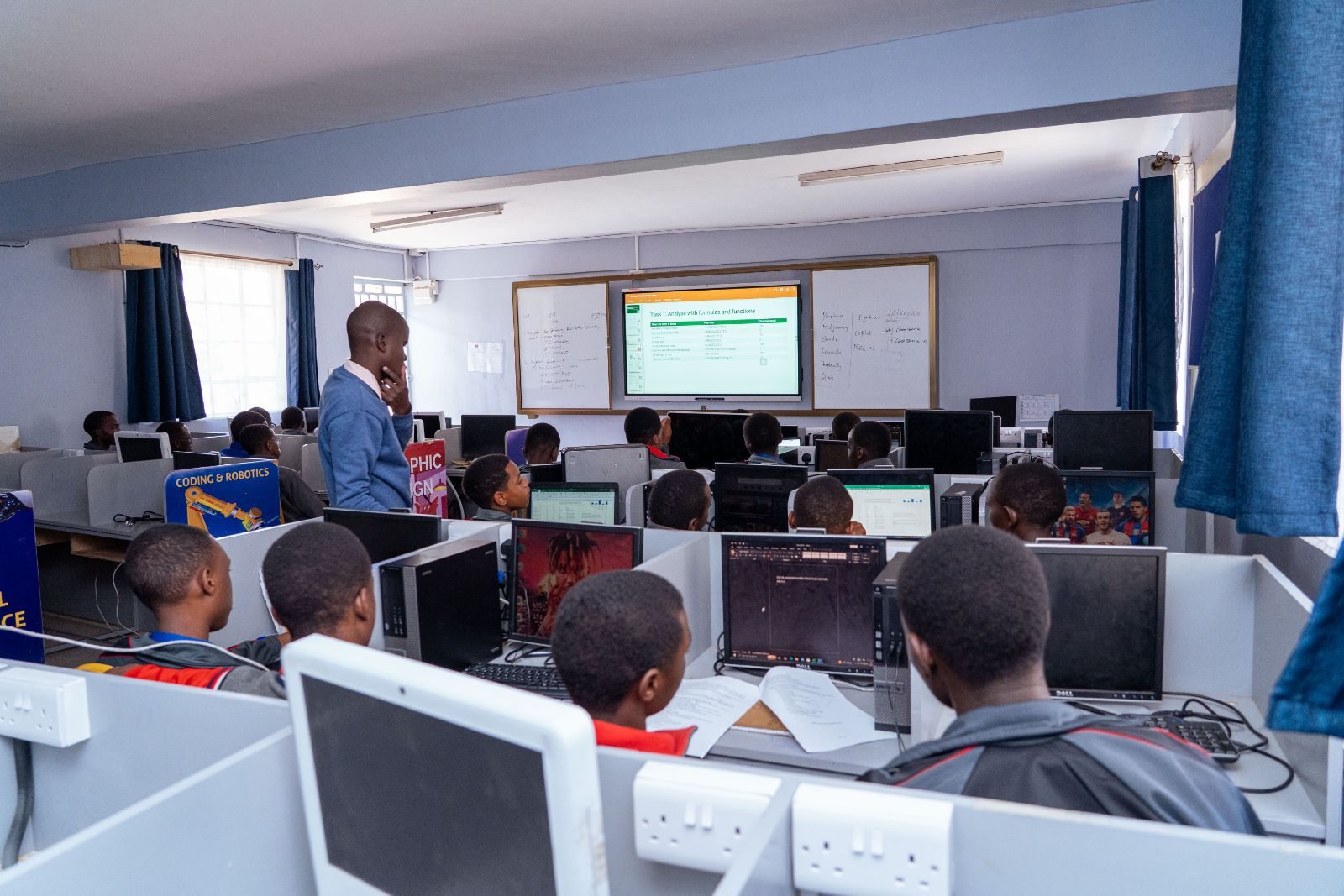
A lesson in the computer laboratory
ICT Programs · Course 03

Web Design

Learn to conceptualise, code, design and deliver unique static websites through informative, challenging and enjoyable exercises.

  • Open to all grades
  • Computer labs & smart boards
  • Guided, practical exercises
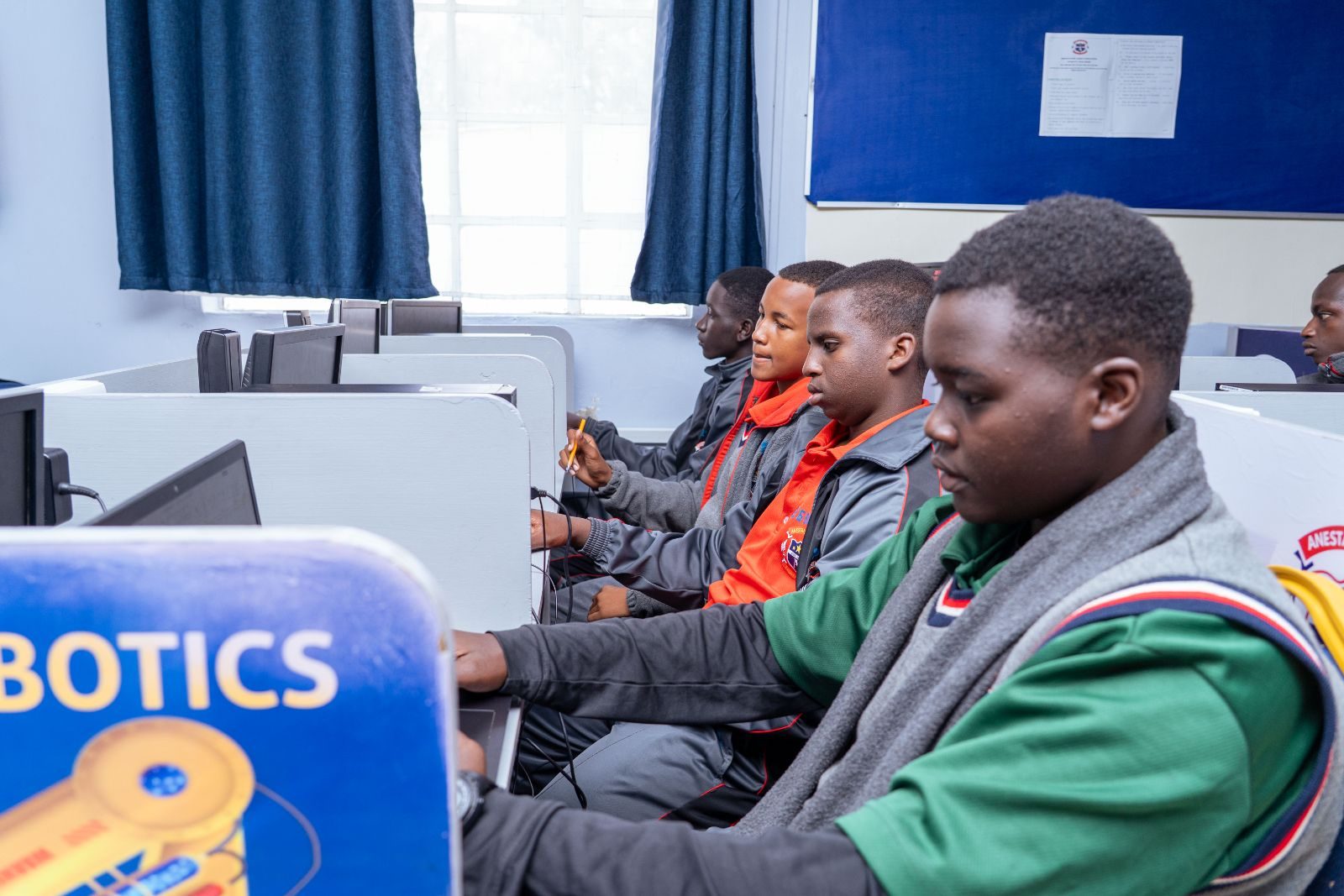
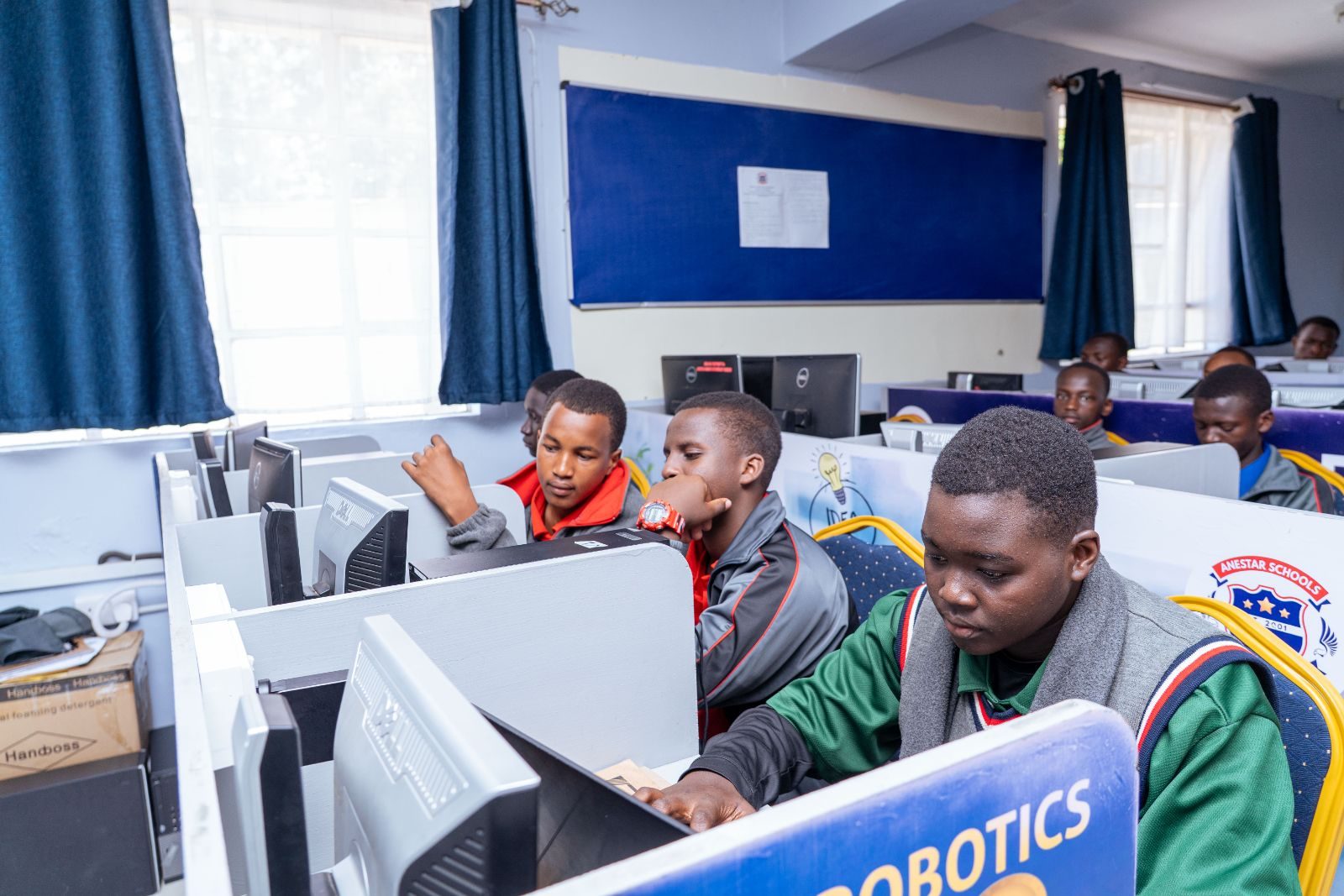
Learners at computer workstations
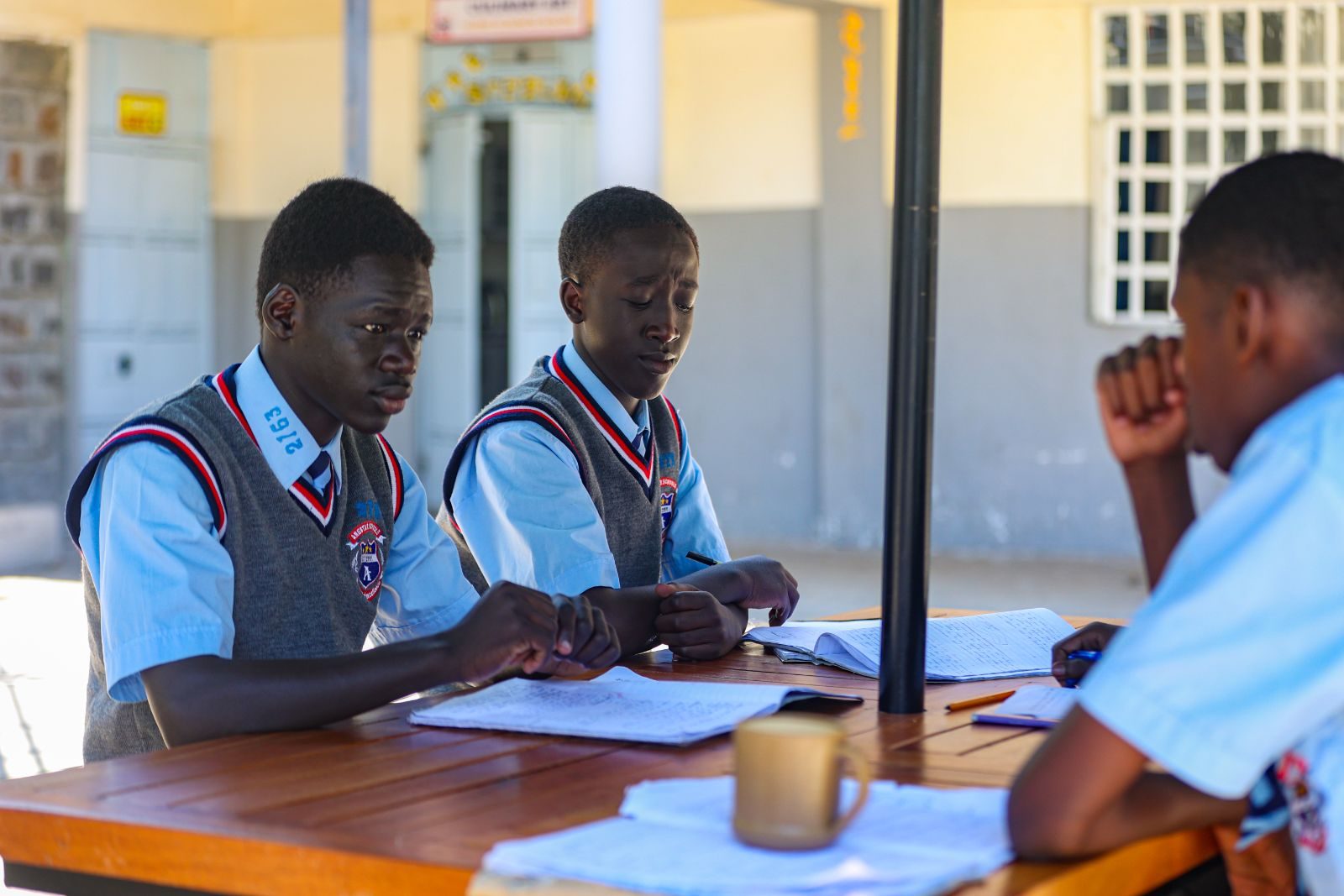
Learners working together
Plan, code, style& deliver
Why choose this course

The internet is everyone’s go-to source of information.

This course teaches learners to create clear, well-built websites, combining structured code with good design.

Create something visible

Turn ideas into real web pages to open, share and improve, with results from every exercise.

Combine logic and creativity

Structured coding meets layout, colour and typography, ideal for learners who enjoy both.

Communicate information clearly

Planning a site teaches learners to organise information for a reader, useful in every subject.
What you will learn

Six skills for building websites.

Practical skills and a professional approach to basic website creation technologies.

01

How websites are structured

How pages, navigation and content fit together, and how a browser turns code into a page.

02

Planning a website

Defining purpose and audience, then sketching layouts and navigation before building.

03

Writing pages in code

Using code to structure headings, text, images and links so every page is organised.

04

Visual design and styling

Colour, typography, spacing and layout for readable, consistent pages.

05

Organising information

Grouping and ordering content so visitors find what they need quickly.

06

Delivering a finished website

Checking, refining and preparing a static website so it is ready to share.

From plan to finished website

Four stages learners follow for every website they build.

  1. 01

    Plan

    Decide who the site is for, what it says and how its pages connect.

  2. 02

    Structure

    Write the code that holds each page together, from text to images and links.

  3. 03

    Style

    Apply layout, colour and typography so every page is clear and inviting.

  4. 04

    Review and deliver

    Test each page, fix problems and prepare the finished site for sharing.

Skills learners develop

Abilities that carry into every subject and future pathway.

  • Planning and organising information
  • Writing clear, well-structured code
  • Applying colour, type and layout
  • Designing easy navigation
  • Checking work and fixing problems
  • A professional approach to website creation
FAQ

Questions parents ask.

Can’t find your answer? The ICT department is happy to help.

Send an enquiry
Does my son need any previous experience?

The course introduces the foundations, building skills step by step through practical exercises. Ask the ICT department about expectations at his grade.

What kind of websites do learners make?

The course focuses on straightforward static websites: clear, well-organised pages of information, rather than online shops or complex web applications.

How is web design linked to graphic design?

Both courses work with layout, colour and typography. Graphic Design also lists web design among its areas of study, so the two complement each other.

Which grades can take this course?

The programme describes ICT opportunities for learners in all grades. The ICT department confirms the depth and availability of each course for every grade.

Do these courses lead to a certificate?

No professional certification or employment outcome is claimed for these courses. Please ask the ICT department about course length and any assessment involved.

Ask the ICT department

Ask about web design.

The ICT department can explain what your son would study at his grade level, and how the course fits his pathway.

  • All gradesDepth confirmed by the ICT dept
  • Two computer labsPlus an ICT resource centre
  • Hands-onGuided practical exercises
Prefer to talk? Call the school on 0758 887 739
Learners working on a robotics project
Ready for the technology-driven 21st century.ICT at Anestar Victory
Scroll to Top