2027 admissions: Explore Grade 10 entry and Grade 11 availability.

Explore Admissions
Anestar Schools crest: Legacy of Excellence Anestar Victory BoysSenior School · Lanet Apply for Admission
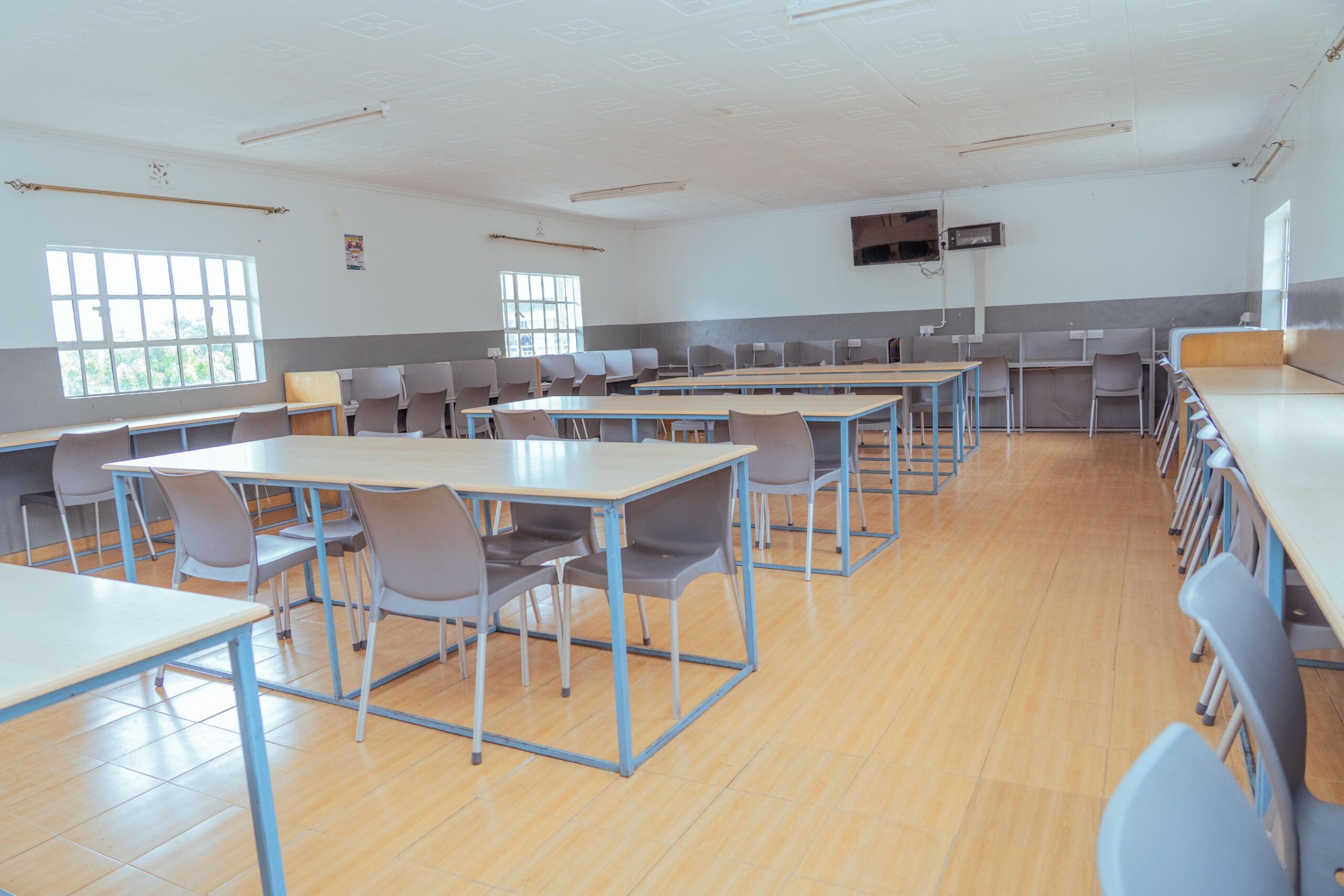
A bright classroom at Anestar Victory
Accessibility statement

A website for everyone

We aim to make this website clear and usable for every visitor. If anything is difficult to access, our team is happy to help by telephone or email.

  • Keyboard friendly
  • Works on phones & tablets
  • Help by phone: 0758 887 739
Our commitment

Clear, usable information for every family.

Anestar Victory Boys Senior School wants every parent, guardian, learner and visitor to find the information they need, whatever device they use and whatever their needs.

We keep improving the website as we add new content. If you experience any difficulty, please let us know so we can help and put it right.

Built in

What we have done to help.

Features designed into the website to make it easier to use.

01

Keyboard navigation

Menus, buttons, forms and image galleries can be used with the keyboard, with a visible highlight showing where you are.

02

Readable colours

Text uses strong colour contrast against its background, and links and buttons are clearly marked.

03

Described images

Photographs include short text descriptions for people using screen readers.

04

Any screen size

Every page adapts to phones, tablets and computers, with large tap targets on smaller screens.

05

Labelled forms

Every form field has a clear label, required fields are marked, and errors are explained in words.

06

Reduced motion

Where your device asks for less motion, animations on the website are reduced.

Make it easier for you

Helpful browser tips.

Your browser and device have built-in tools that can make any website easier to use.

Make text bigger

Press Ctrl and + on Windows, or ⌘ and + on Mac. Use - to zoom out and 0 to reset. On phones, pinch to zoom.

Have pages read aloud

Use the screen reader built into your device: Narrator on Windows, VoiceOver on Mac and iPhone, or TalkBack on Android.

Browse with the keyboard

Press Tab to move forward, Shift + Tab to move back, and Enter to open a link or button.

Print information

Pages such as the Joining Requirements checklist and the Privacy Policy have print buttons for a clean paper copy.

Need help?

We are here to help.

If you have difficulty accessing any information, contact the school and the team will assist you. To help us improve, please tell us the page you were on and what you found difficult.

This statement was last reviewed in October 2026.

Call the schoolOr email usinfo@anestarvictoryboyssenior.comMon–Fri 8:00am–4:00pm · Sat 9:00am–2:00pm
Scroll to Top