2027 admissions: Explore Grade 10 entry and Grade 11 availability.

Explore Admissions
Anestar Schools crest: Legacy of Excellence Anestar Victory BoysSenior School · Lanet Apply for Admission
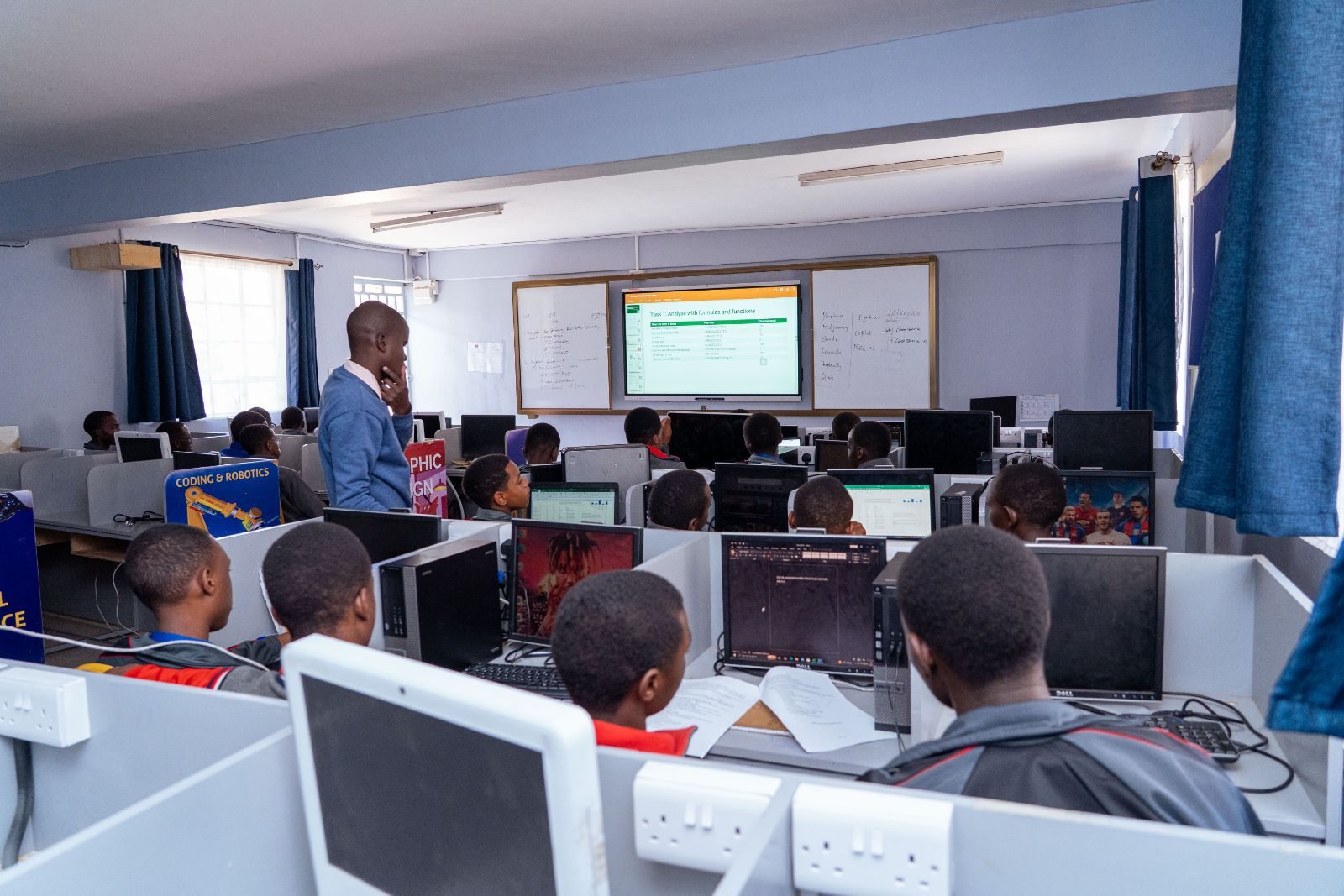
Learners at computer workstations in the ICT lab
ICT Programs · Course 02

Software Engineering

Learn how software is invented, designed, built, maintained and improved, with hands-on skills that build a strong foundation.

  • Open to all grades
  • Computer labs & smart boards
  • Guided, practical exercises
A lesson in the computer laboratory
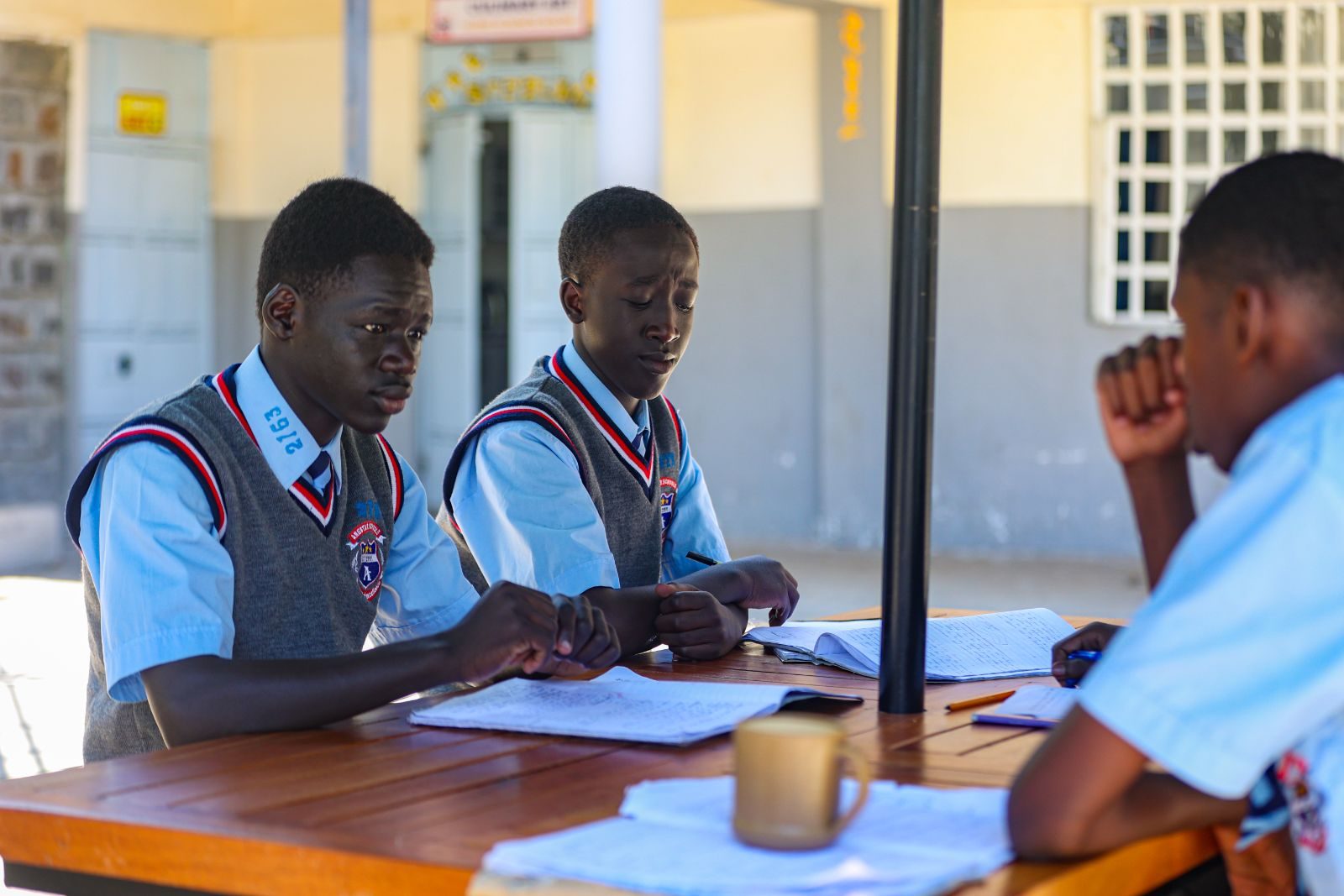
Learners working together
Plan, build, test& improve
Why choose this course

See how real software is planned and built.

Learners apply scientific and practical knowledge to the frameworks and processes behind the software we use every day.

See how software is made

Follow the full journey, from understanding a problem to planning, building, testing and maintaining it.

Build structured thinking

Breaking big problems into clear, manageable steps strengthens maths, sciences and many other subjects.

Learn to work as a team

Project and quality activities show how people plan together and deliver dependable work.
What you will learn

Six stages of software engineering.

From the development lifecycle to testing and maintenance, through practical, guided work.

01

Models and the lifecycle

How engineering models and the lifecycle organise work from an idea to finished software.

02

Requirements

Discovering and recording what users need, so software solves the right problem.

03

Design tools and strategies

The tools, strategies and levels used to plan a system before any code is written.

04

Project and software management

Planning tasks, tracking progress and keeping a software project on course.

05

Testing and quality

Testing levels plus quality assurance and control, so software works correctly.

06

Maintenance and re-engineering

Maintaining, improving and re-engineering existing software over time.

How a software project runs

Four stages learners work through, from first idea to dependable software.

  1. 01

    Understand the problem

    Gather requirements and agree what the software must do for its users.

  2. 02

    Design the solution

    Use design tools and strategies to plan the system’s structure.

  3. 03

    Build and test

    Write the software, then test it at different levels to find problems.

  4. 04

    Maintain and improve

    Keep it working well, improving or re-engineering it as needs change.

FAQ

Questions parents ask.

Can’t find your answer? The ICT department is happy to help.

Send an enquiry
Does my son need coding experience?

The course introduces software processes and practical skills from the foundations. Ask the ICT department about any expectations at your son’s grade.

Which programming languages are used?

Languages and development tools are confirmed by the ICT department and may vary by grade. Please ask the school for current details.

Which grades can take this course?

The programme describes ICT opportunities for learners in all grades. The ICT department confirms the depth and availability of each course for every grade.

Do these courses lead to a certificate?

No professional certification or employment outcome is claimed for these courses. Please ask the ICT department about course length and any assessment involved.

Ask the ICT department

Ask about software engineering.

The ICT department can explain what your son would study at his grade level, and how the course fits his pathway.

  • All gradesDepth confirmed by the ICT dept
  • Two computer labsPlus an ICT resource centre
  • Hands-onGuided practical exercises
Prefer to talk? Call the school on 0758 887 739
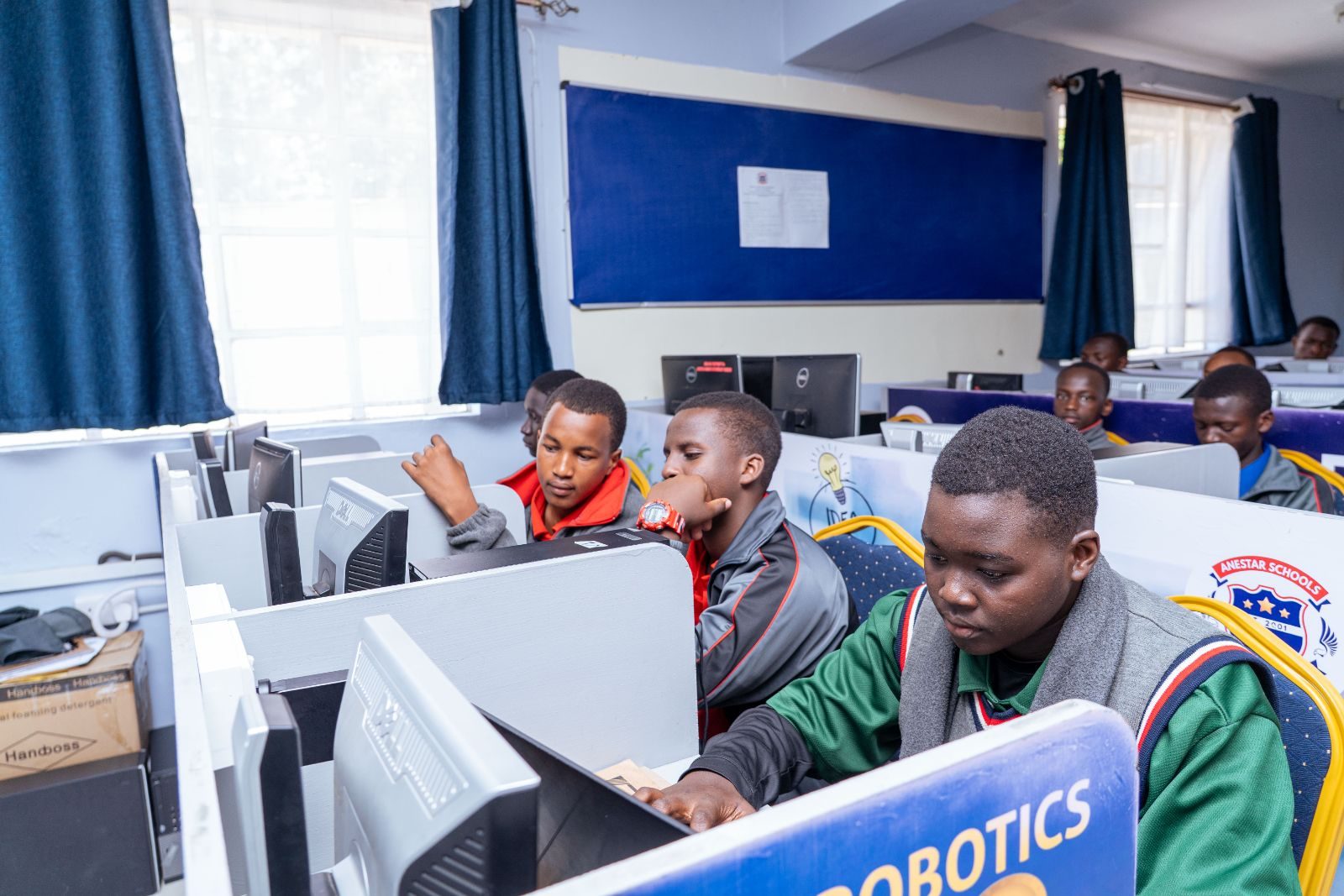
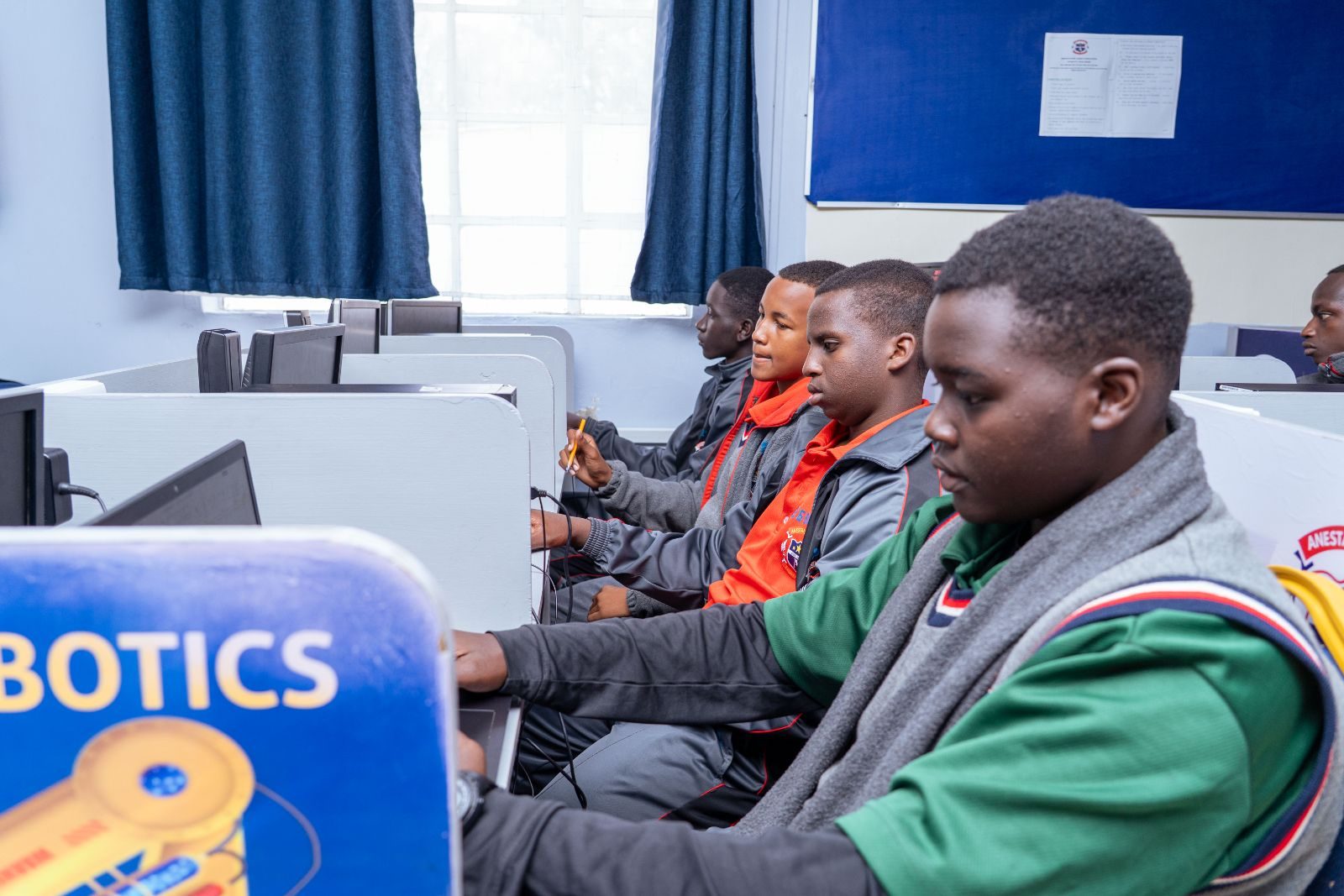
Learners working on a robotics project
Ready for the technology-driven 21st century.ICT at Anestar Victory
Scroll to Top