2027 admissions: Explore Grade 10 entry and Grade 11 availability.

Explore Admissions
Anestar Schools crest: Legacy of Excellence Anestar Victory BoysSenior School · Lanet Apply for Admission
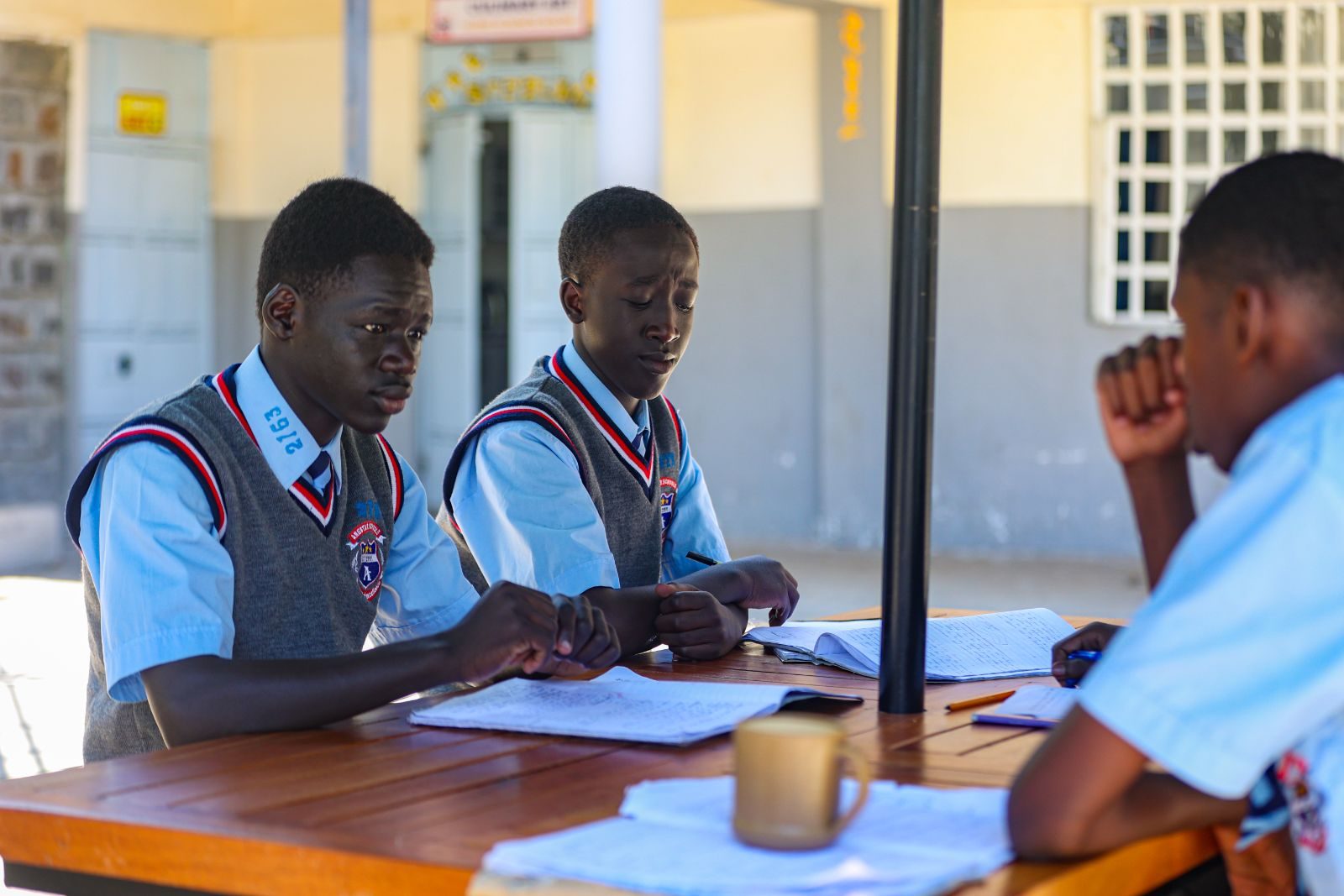
Learners working together on a project
ICT Programs · Course 04

Mobile Application Development

Discover the technologies behind mobile apps and build skills in designing and developing them with up-to-date tools.

  • Open to all grades
  • Computer labs & smart boards
  • Guided, practical exercises
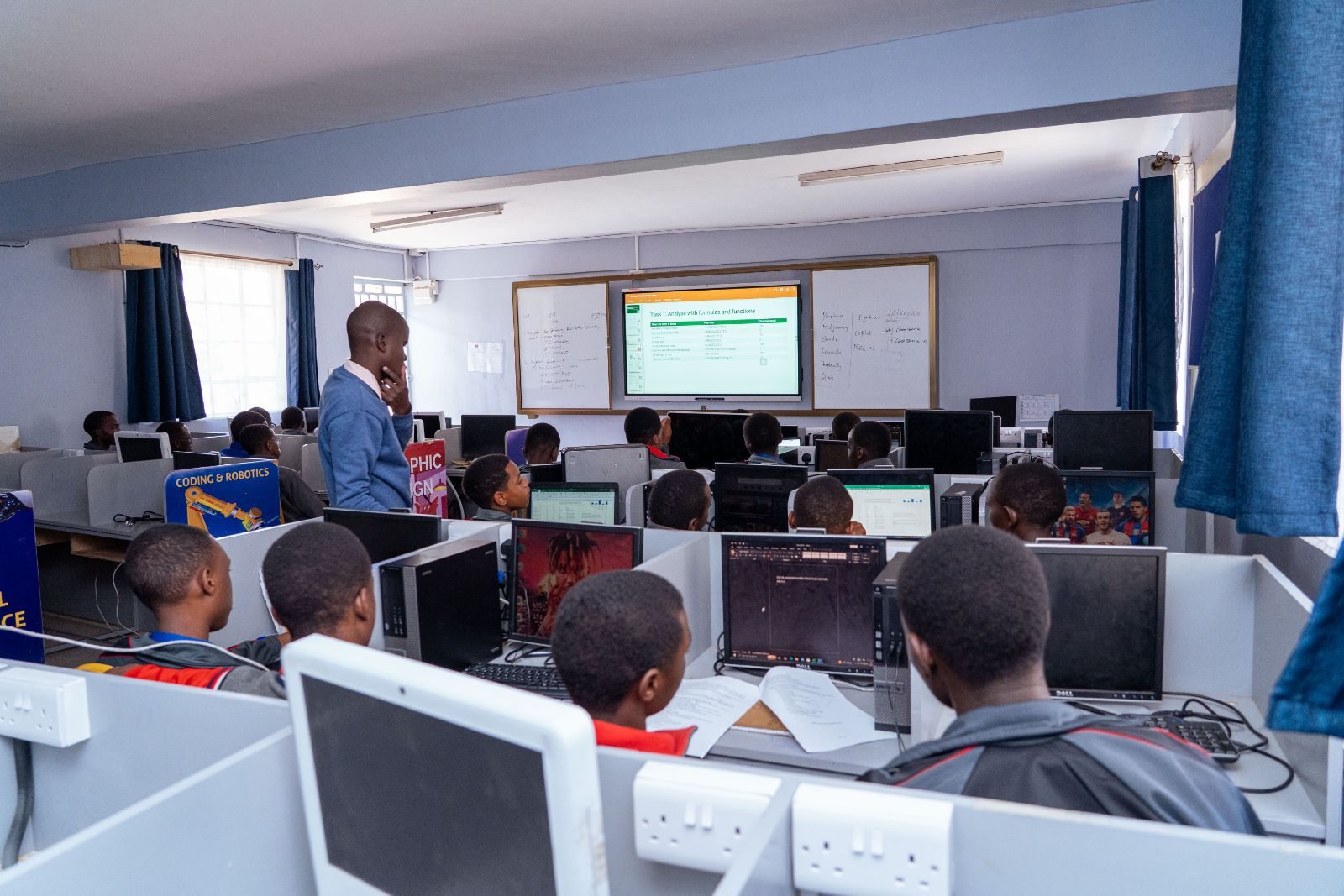
A lesson in the computer laboratory
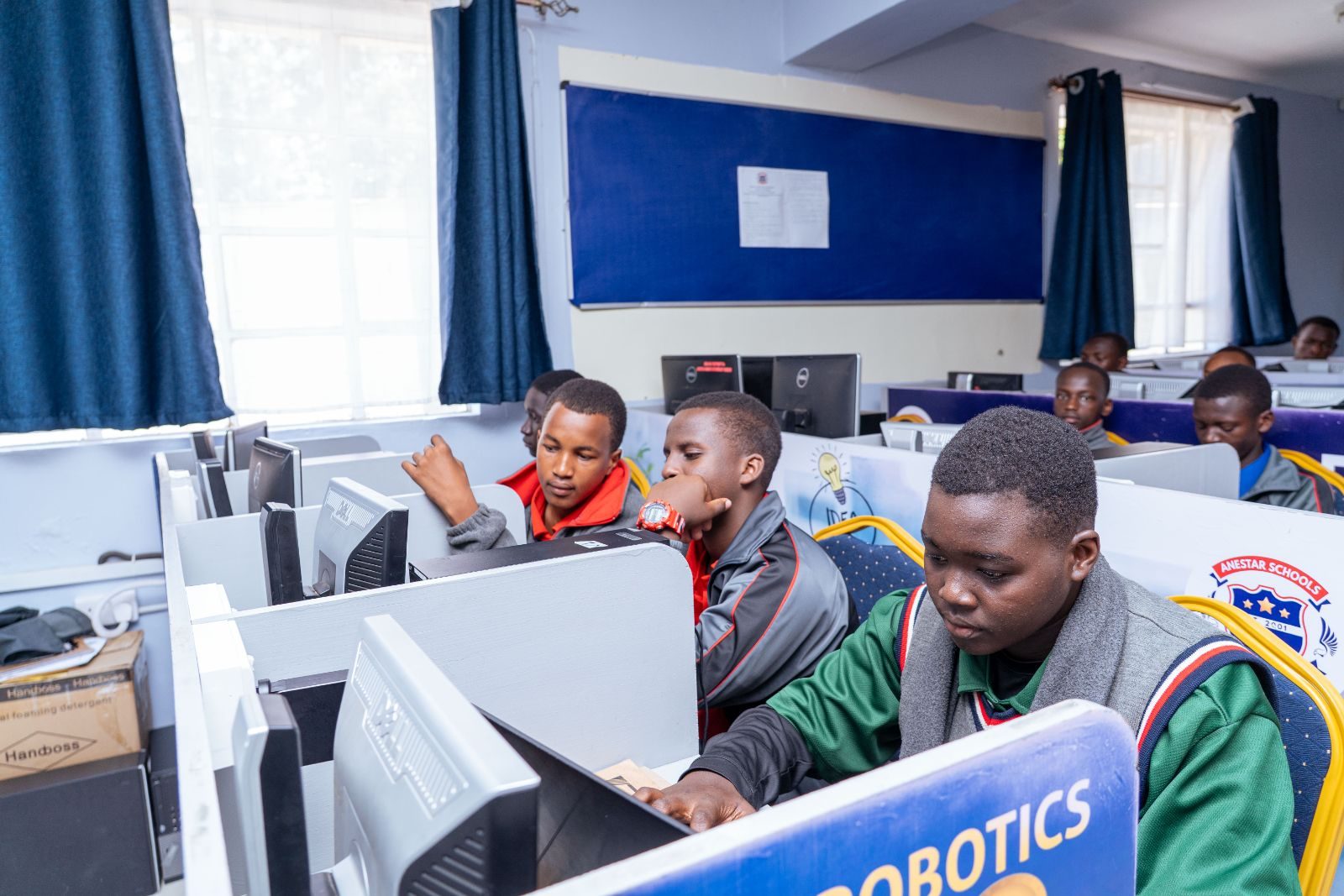
Learners working on a robotics project
Design, build& test apps
Why choose this course

The technology in every pocket.

Mobile devices shape how people learn, communicate and work. This course shows learners how the apps they use are created.

The technology in every pocket

Learners explore how the applications they use every day are designed and built.

Design around real limits

Small screens, battery life and wireless connections: learners weigh these when choosing solutions.

Build sound judgement

Comparing tools and explaining choices builds thinking that supports every pathway.
What you will learn

Six areas of mobile development.

From how mobile technology works to writing and testing interactive programmes.

01

Changing mobile technologies

How devices and platforms have developed, and why the technology keeps changing.

02

Wireless communication

How devices connect, and the challenges wireless networks create for apps.

03

Selecting development tools

Comparing app-building tools and choosing suitable ones for a task.

04

Strengths and limitations

Evaluating what each approach does well, and where it falls short.

05

Designing an application

Planning screens, features and user journeys for a small device.

06

Writing and testing programmes

Writing interactive programmes for mobile devices, then testing them carefully.

How an app comes together

Four stages learners follow, from the device to a tested app.

  1. 01

    Understand the device

    Study the screen, inputs and connection limits of the target devices.

  2. 02

    Choose the tools

    Compare development tools and pick the best fit for the app’s purpose.

  3. 03

    Design the experience

    Plan the screens and the journey a user takes through the app.

  4. 04

    Build and test

    Write the programme, test it carefully and improve it.

FAQ

Questions parents ask.

Can’t find your answer? The ICT department is happy to help.

Send an enquiry
Does my son need his own smartphone?

This has not been confirmed in school material. Please ask the ICT department before buying a device for this course.

Will learners publish apps to an app store?

Publishing is not described in the course material. Learners focus on designing, writing and testing interactive programmes for mobile devices.

Which grades can take this course?

The programme describes ICT opportunities for learners in all grades. The ICT department confirms the depth and availability of each course for every grade.

Do these courses lead to a certificate?

No professional certification or employment outcome is claimed for these courses. Please ask the ICT department about course length and any assessment involved.

Ask the ICT department

Ask about mobile app development.

The ICT department can explain what your son would study at his grade level, and how the course fits his pathway.

  • All gradesDepth confirmed by the ICT dept
  • Two computer labsPlus an ICT resource centre
  • Hands-onGuided practical exercises
Prefer to talk? Call the school on 0758 887 739
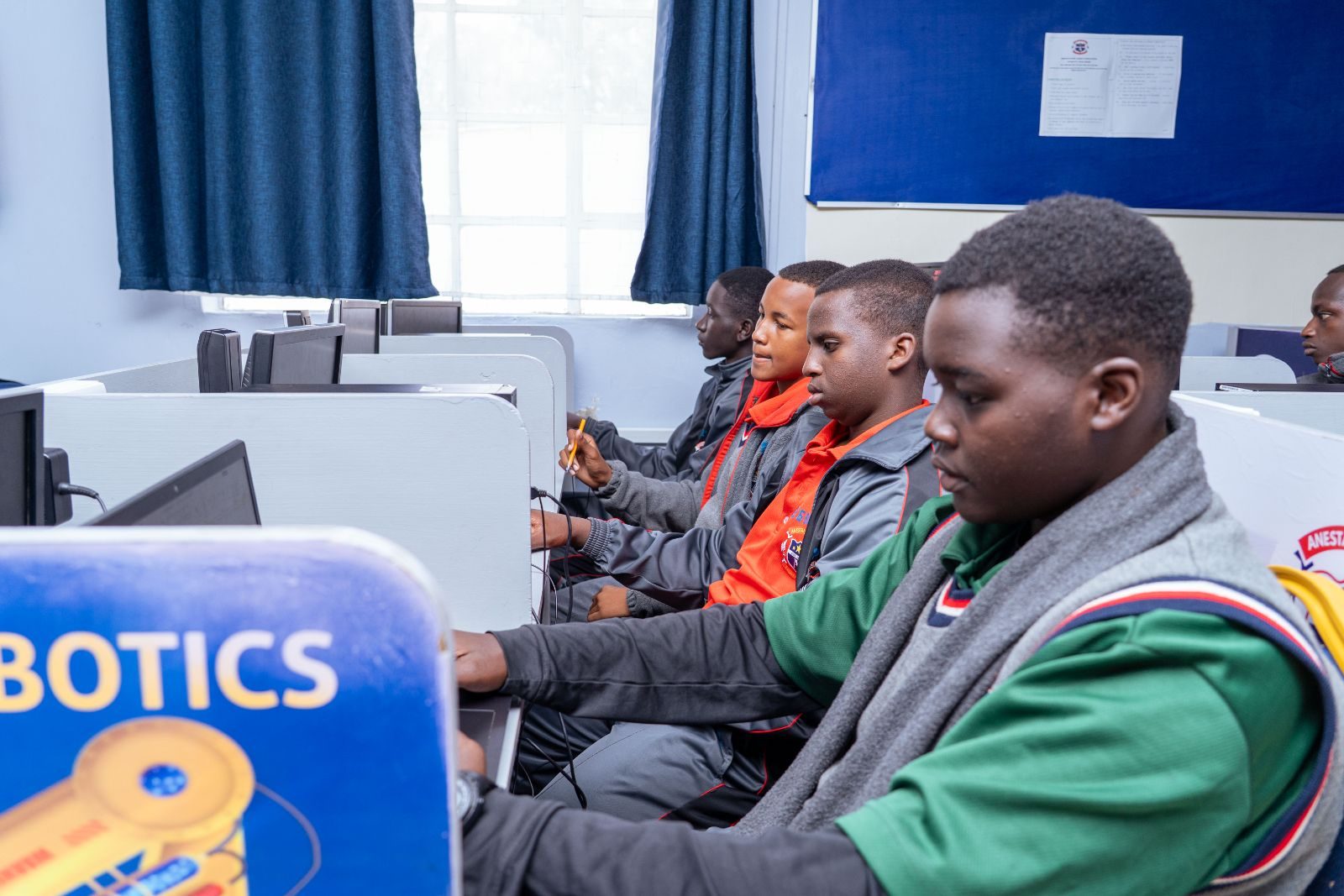
Learners at computer workstations
Ready for the technology-driven 21st century.ICT at Anestar Victory
Scroll to Top